From a paper punch card to approved payroll.
The same government was adding up payroll by hand every two weeks. We are rolling out the system that reads the cards, does the arithmetic, and puts approval one click away in an email.

Every pay period started with arithmetic.
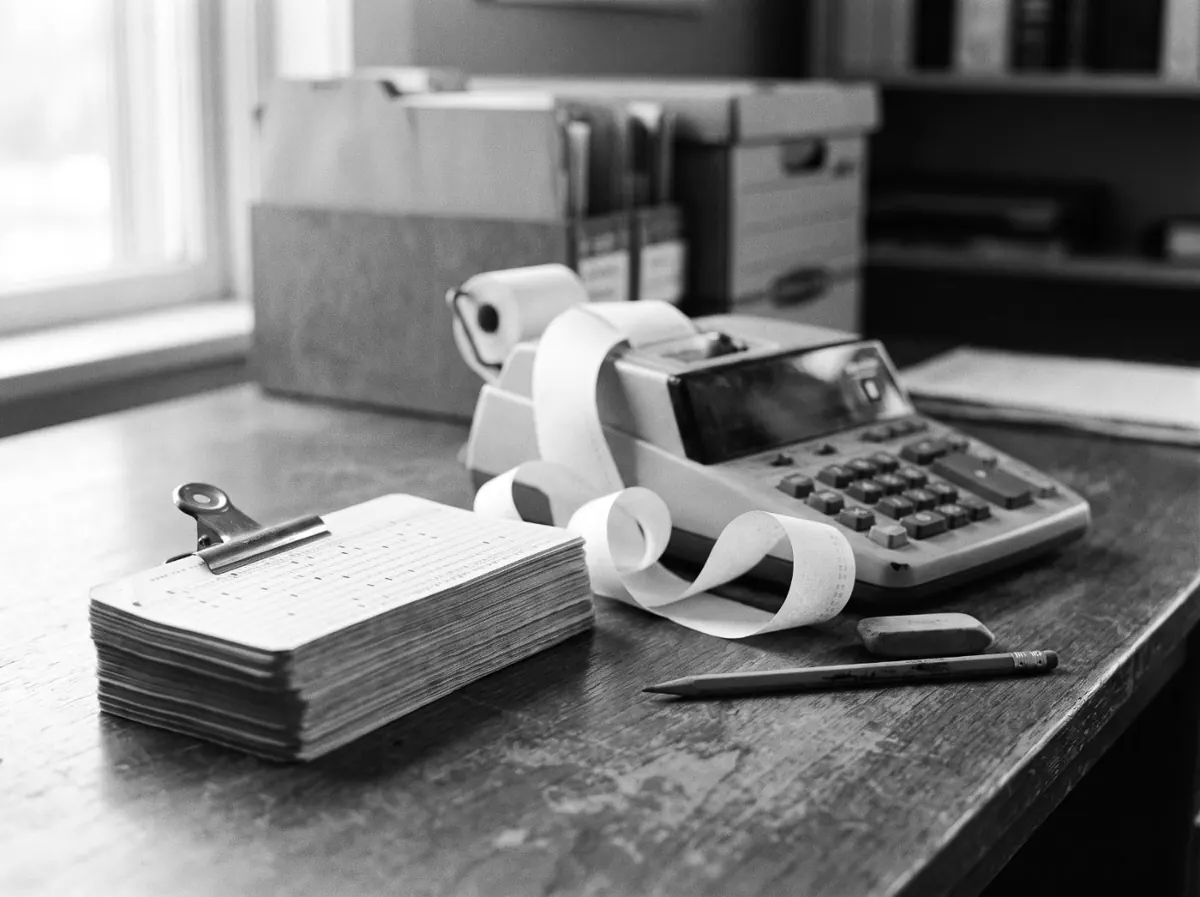
Staff clock in and out on a punch-card machine that prints paper strips. Every second week, one person collected the cards and worked out everyone’s hours by hand — in at 7:55, out at 4:15, round up, round down, take off the break — for every employee, every pay period.
Everything around the cards was manual too. Timesheets got carried around for signatures. Getting overtime approved meant printing a form and walking it to an office — enough of a nuisance that people just worked the overtime and argued about it later. If someone did not show up, nobody knew why. And once hours reached payroll, corrections happened quietly: no note, no record, no way to say which number was right.
Payroll that starts from proof, not paperwork.
The cards come in by email, the timesheets add themselves up, and everything around them — leave, overtime, mileage — goes through the same approval.
From a punch card to locked, approved hours
Cards are scanned, not transcribed
Staff photograph the cards and email them to one address. The system reads every punch off the photo and files it against the right employee. If a card is unreadable it goes to a person — it never guesses.
Timesheets compute themselves
Ins, outs, your rounding rules and breaks are all applied automatically. Every line links back to the photo of the card it came from, so checking the system’s work takes seconds.
Approval is one email click
The period’s timesheets land in the approver’s inbox and one click approves them. After that the record locks. Corrections belong to a manager and need a note, and payroll gets the hours read-only.
Leave by text or form
Vacation, sick and unpaid leave are requested by text or a short web form. Approved paid leave fills in the timesheet and comes off the balance, and a no-show shows up the same day.
Overtime is authorized before it happens
Overtime gets approved the same one-click way — before the hours are worked, rather than argued about afterwards. It is already on the timesheet when the period closes.
Mileage without the paperwork
A claim is a text or a short form — from, to, and why. Distances get checked against map data, the claim goes through the same approval, and the payout list writes itself.
What changes, once it’s live.
Two weeks of cards, read in minutes
The arithmetic is gone. Payroll starts from timesheets the system has already worked out and checked, not from sums done under a deadline.
Nothing changes after approval
Records lock once approved, and any correction has a manager’s name and a reason attached to it.
You know about absences the same day
Leave gets requested, approved, and put on the timesheet automatically. If someone does not show up, a flag goes up that day.
Every hour has its paper trail
Every timesheet traces back to the photo of the card behind it, so if anyone questions a number, you can show them where it came from.
Still computing hours by hand?
In two weeks, we’ll show you exactly where money, approvals and staff hours are slipping out of view, what it’s costing you, and a fixed price to fix it. You’ll be able to answer any funder or auditor question from the record, not from someone’s inbox.
You get a board-ready report:
- 01Findings. A map of how the work runs today, with each gap rated by risk.
- 02Baseline numbers. Hours spent, days to approval, and error rates, so you can prove the change later.
- 03Quick wins. Fixes you can make this week, with or without us.
- 04Change plan. How your staff, vendors and council move to the new process.
- 05Security review. How your data is handled, assessed against OCAP®.
- 06Fixed price. One price for the build and its first year of running.
We’ll present it to council with you.
$2,500. The report is yours to act on, with us or without us. If you build with us within 90 days, the full fee comes off the price.